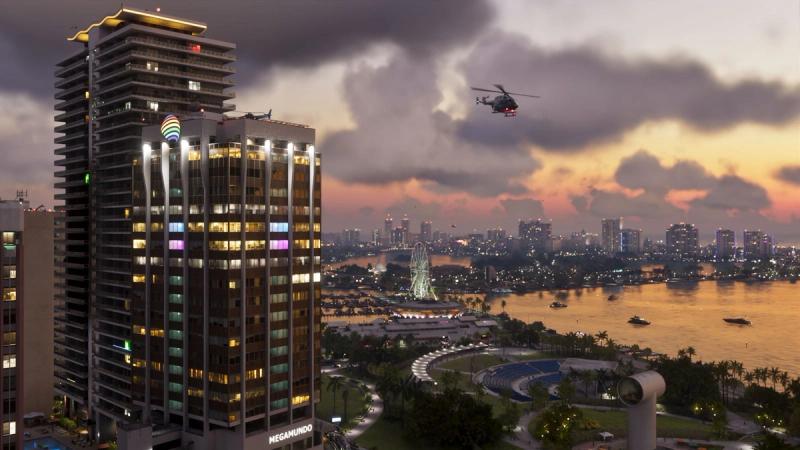
As Grand Theft Auto VI began unlocking country by country on November 18, 2026, some PlayStation 5 owners ran into trouble before they could even start it. Polygon and Push Square both reported PlayStation Network problems on the eve of the game's November 19 launch, with players unable to sign in or download.
This article covers the network problems only. It contains no story details.
What Players Reported
According to Polygon's Patricia Hernandez, PS5 owners around the world saw messages such as "Sony services are busy" and "Too many failed connection attempts." Most reports concerned signing in to PlayStation Network, with others about the PSN servers more broadly.
Polygon lists three error codes players were seeing:
- WS-116449-5
- CE-34861-2
- WS-37505-0
Polygon reports that Down Detector, which collects user reports of outages, showed a sudden jump for PlayStation Network.
Push Square described the problems as sporadic. It reports that PSN held up well as the game unlocked in New Zealand, Australia and parts of Asia, with scattered outage reports in the hours before Europe and the United Kingdom.
What Sony Said
Not much. Both outlets note that Sony's official PlayStation Network status page listed every service as working normally at the time. Sony has not commented on the reports in anything we have read, and Rockstar Games has not either.
Why the Network Matters for a Single-Player Game
GTA 6's story is single-player, so why would a network problem stop you playing? Push Square explains that you need to verify your digital licence once the game unlocks in your region. Polygon adds that every player has to download the game and its required updates, which on launch day means millions of consoles pulling hundreds of gigabytes at the same time.
There is also a console update to get. PlayStation Support has said a new PS5 system software update, version 14.23.00, is required before you can play.
What to Try
These are general steps, not official advice from Sony or Rockstar:
- Restart the console. Push Square says a reboot fixes most cases.
- Check Sony's PSN status page before changing anything at home. If it shows a problem, waiting is the only fix.
- Check you have the required system update. Go to Settings, System, System Software, and update over the internet.
- Leave the console in rest mode overnight if downloads keep failing, so it can retry when demand drops.
- Make sure the game and its patches have finished downloading before your unlock time, so you only need to verify the licence at midnight.
What Is Confirmed and What Is Not
The error messages and codes are Polygon's account of player reports, and the regional picture is Push Square's, both read in full on November 19. Sony's status page did not show an outage when either outlet checked. We do not know how many players were affected or how long the problems lasted, and we will update this article if Sony reports a confirmed outage.