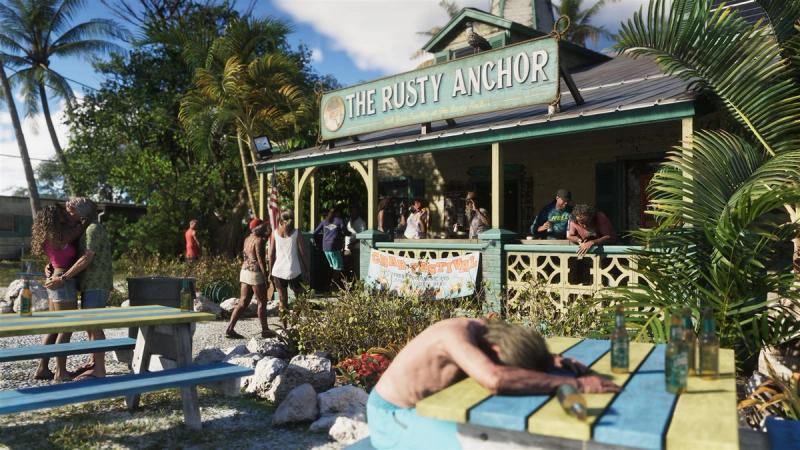
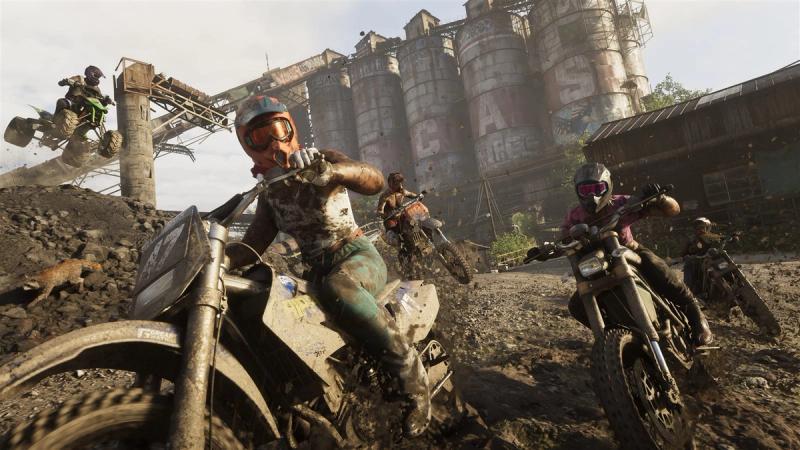
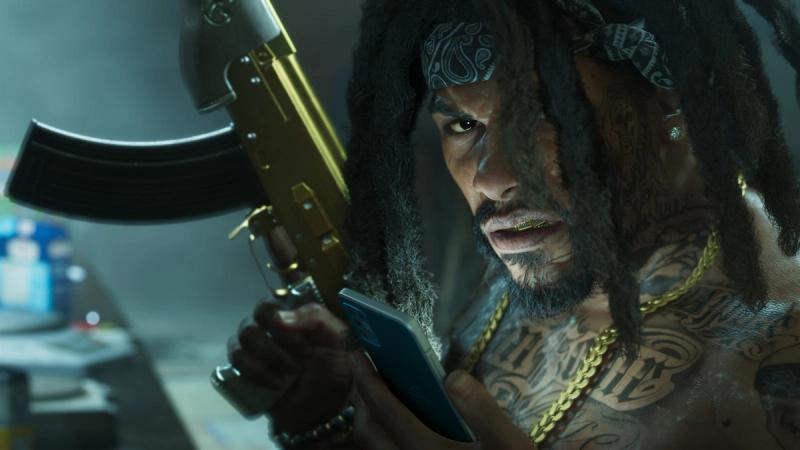
Grand Theft Auto VI does not have a first-person mode at launch, according to the first hands-on guides published as the game went live on November 18, 2026. If you played Grand Theft Auto V or Red Dead Redemption 2 from behind the character's eyes, that is the first setting you will go looking for, so here is what has been reported about the camera and about the other choice the game puts in front of you straight away: how much of the map to show.
This article covers settings only. It contains no story details.
What Has Been Reported About First-Person
Insider Gaming's guide, written by senior editor Grant Taylor-Hill and published on launch day, is direct about it: you cannot switch to first-person in GTA 6. The closest the game gets, the guide says, is that you can look at your phone from a first-person view, and even that can be changed in the settings menu.
What you get instead is a choice of third-person camera distance. Insider Gaming describes three camera modes, which you cycle by holding down on the d-pad. The same option is in the settings menu under camera, where it is listed as third-person camera height.
This comes from one outlet's time with the game. Rockstar Games has not published a statement about camera modes that we have read, and we have not yet checked the menus ourselves, so treat it as reported.
Why People Expected It
First-person play has been part of Rockstar's recent games. Grand Theft Auto V did not have it when it first came out in 2013; it was added a year later with the PlayStation 4 and Xbox One versions. Red Dead Redemption 2 had it from day one in 2018. Many players assumed the next Grand Theft Auto would follow.
Insider Gaming notes that Rockstar could add the option later, as it did with Grand Theft Auto V. That is the outlet's speculation, not an announcement.
The First Choice the Game Asks For
VGC's guide by Jordan Middler covers the other setting you meet immediately. According to VGC, the very first thing GTA 6 asks when you load it is which Navigation Experience you want, and it asks without showing what each one looks like. There are three presets:
- Minimap (Dynamic): the minimap appears only when it is needed. You can call it up with the d-pad, and it hides itself in quiet moments.
- Minimap and Compass (Dynamic): the same behaviour, with a compass added. VGC says the compass shows your own markers and mission markers, and points of interest as you get close to them.
- Always On: the navigation display stays on screen all the time.
VGC's advice is not to worry about the choice. It reports that the settings menu lets you switch dozens of individual navigation options on or off afterwards, so the presets are a starting point and not a commitment.
What Is Confirmed and What Is Not
Nothing in this article comes from Rockstar Games or Take-Two. The first-person detail is Insider Gaming's, the Navigation Experience detail is VGC's, and each is that outlet's own account of playing the game. We read both guides in full on November 18.
We do not know whether a first-person option is planned for a later update, or whether the camera options differ between PlayStation 5 and Xbox Series X|S.
What to Do on Your First Boot
Pick whichever Navigation Experience sounds closest to how you like to play, knowing it can be changed. If you want the camera closer to the character, hold down on the d-pad to cycle the three third-person distances before you start looking for a first-person toggle that, by these reports, is not there.
We will update this page if Rockstar says anything on the record about camera modes.